How to track
software changes on workstations?
- Track
changes "on-fly" during scans loading
- Analyze
differences between two databases
Track
changes "on-fly" during scans loading- when loading scans
to database. 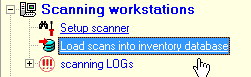
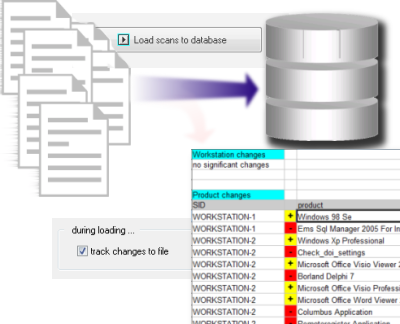
Check option "track
changes" and start loading scans.

Significant
changes will be logged into a text file for further
processing in Excell, thirth-part reports or databases.
Analyze
differences between two databases - any time (for
example: once a month) you can save your database as "current
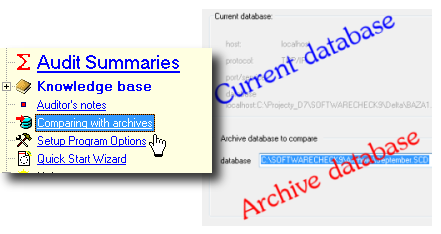
statement" . The tool for comparing the
databases with archives
shows the
differences between 2 SoftwareCheck databases. Using periodical
"snapshots" of database you can keep track of the
changes in the
selected time periods.
All
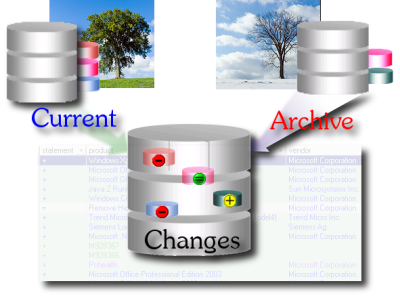
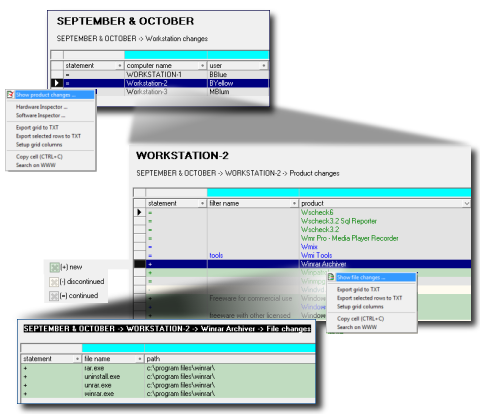
you have to do is to select 2 databases and SoftwareCheck will generate
the difference database with workstations-products-files relations.
Workstations-products-files
relations are very usefull when you investigate for unwanted
or
harmfull applications occured in your network.
|







 other questions ...