|
 |
 |
 |
 |
 |
 |
 |
|
Audit in the entire company: How do I prepare workstation scanning in the network?
Once you launch and configure your environment, it can operate as long as you want, scanning the workstations regularly and automatically, without any interference of the Auditor. The scanned data is stored in small files saved in selected locations within the network. Auditor just loads them to the database when it is needed.
Generally, you have to determine:
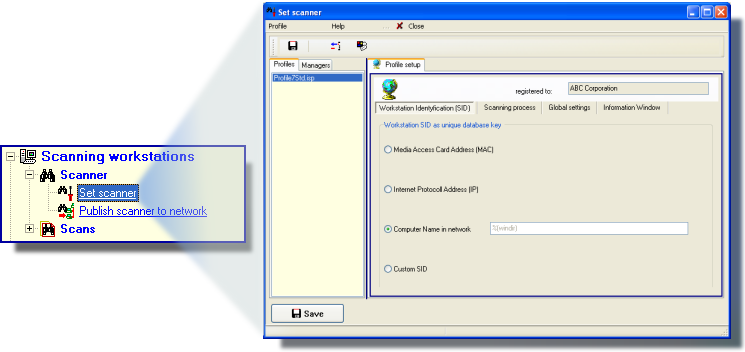
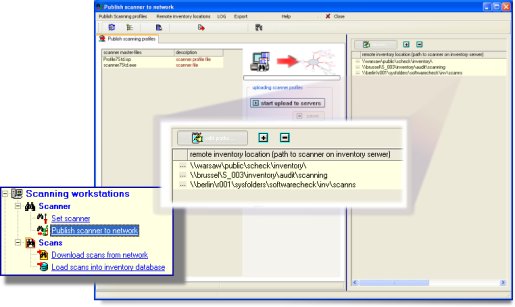
how the scanner should work on the workstations - configure the scanner:
|
|
|
 |
|
|
|
|
|
|
|
|
|
 |
|
|
|
Send your question:
|
|






 other questions ...