 |
 |
 |
 |
 |
 |
 |
 |
|
What are the "Inspector" windows for?
"Inspector" windows can be opened from the level of other windows and provide an analytical view of a single item.
These windows are typically available in the popup menus of majority of data grids:
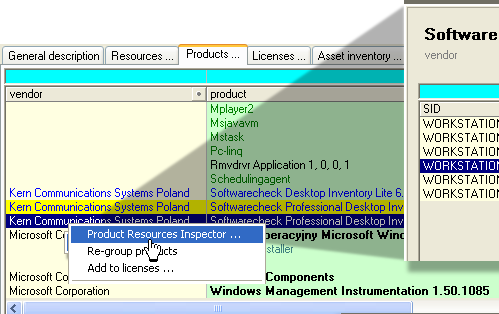 other examples
"Hardware Inspector" window - it enables you to view clearly arranged data on hardware and configuration of a given workstation: other examples
"Hardware Inspector" window - it enables you to view clearly arranged data on hardware and configuration of a given workstation:
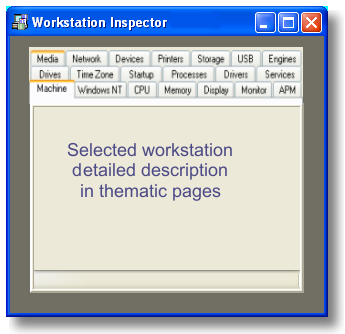 Hardware Inspector can be opened in the popup menu of every workstation, regardless of which application window is currently displayed. Hardware Inspector can be opened in the popup menu of every workstation, regardless of which application window is currently displayed.
"Software Inspector" window - it enables you to view softwares installed on a given workstation:
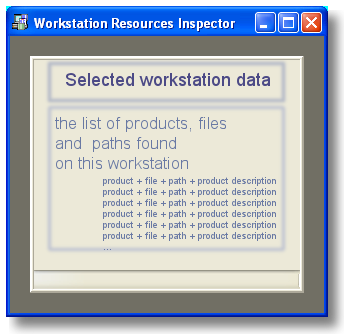 Software Inspector can be opened in the popup menu of every workstation, regardless of which application window is currently displayed. Software Inspector can be opened in the popup menu of every workstation, regardless of which application window is currently displayed.
"Product Resource Inspector" window - it enables you to view details of a given resources:
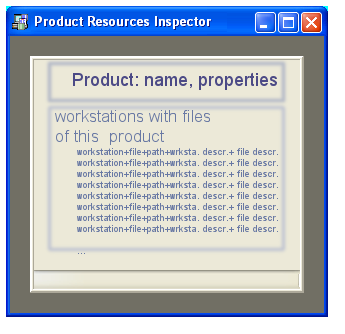 Product Resource Inspector can be opened in the popup menu of every product, regardless of which application window is currently displayed. Product Resource Inspector can be opened in the popup menu of every product, regardless of which application window is currently displayed.
"Product Resource Inspector" window - it enables you to view details of a given workstation and licenses conected to installed products:
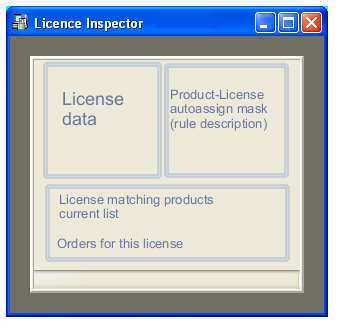 Product Resource Inspector can be opened in the popup menu of every license, regardless of which application window is currently displayed. Product Resource Inspector can be opened in the popup menu of every license, regardless of which application window is currently displayed.
"Serial Number Inspector" window - it enables you to view serial numbers of a given license in format:
each serial number + value + workstation:
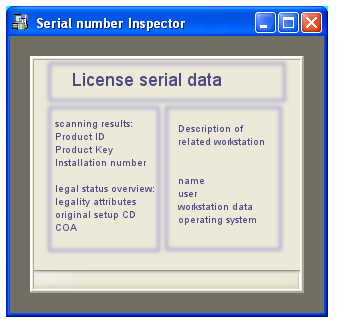 Serial Number Inspector can be opened in the popup menu of every serial number, regardless of which application window is currently displayed. Serial Number Inspector can be opened in the popup menu of every serial number, regardless of which application window is currently displayed.
"Orders Inspector" window - it enables you to view details of each order:
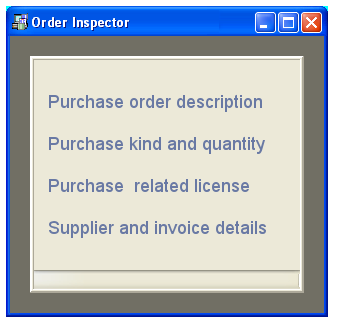 Orders Inspector can be opened in the popup menu of every order, regardless of which application window is currently displayed. Orders Inspector can be opened in the popup menu of every order, regardless of which application window is currently displayed.
|
|
|
|
|
 |
|
|
|
|
|
|
|
|
|
 |
|
|
|
Send your question:
|
|






 other questions ...