 |
 |
 |
 |
 |
 |
 |
 |
|
How do I start SoftwareCheck?
- Install SoftwareCheck on your workstation; in order to do this, you must have the rights of a workstation local administrator.
- After the installation is complete, the registration window will be displayed - select "Run demo".
- Log into the sample database set as a default database during the installation process - click "Login".
 If you have not done it so far, the application will automatically create a new database user named SCHECK65, granting this user appropriate database access rights. If you have not done it so far, the application will automatically create a new database user named SCHECK65, granting this user appropriate database access rights.
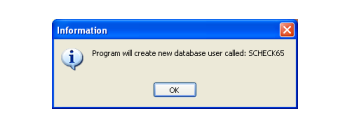 (In order to perform any action connected with administration, you have to log into the database as the Administrator. The application will automatically display an appropriate Administrator log-in window, with appropriate data entered in the fields. Click "OK".) (In order to perform any action connected with administration, you have to log into the database as the Administrator. The application will automatically display an appropriate Administrator log-in window, with appropriate data entered in the fields. Click "OK".)
Now you have everything you need to start the system and log in.
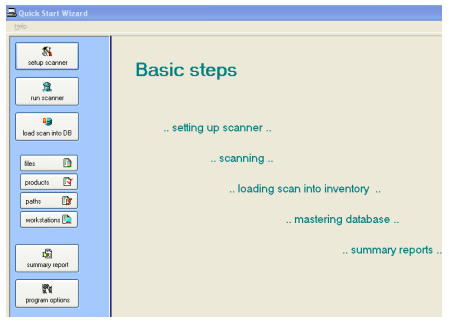
When you start the application, the Quick-Start Wizard is opened by default. It contains only a few buttons to the most important (basic) functions of the application.
|
|
|
 |
|
|
|
|
|
|
|
|
|
 |
|
|
|
Send your question:
|
|






 other questions ...